A printable should be useful on paper, not just attractive on a screen. Before printing a full collection, check the file size, your loaded paper and the scaling option in your PDF reader.
Choose the right paper for kitchen PDFs
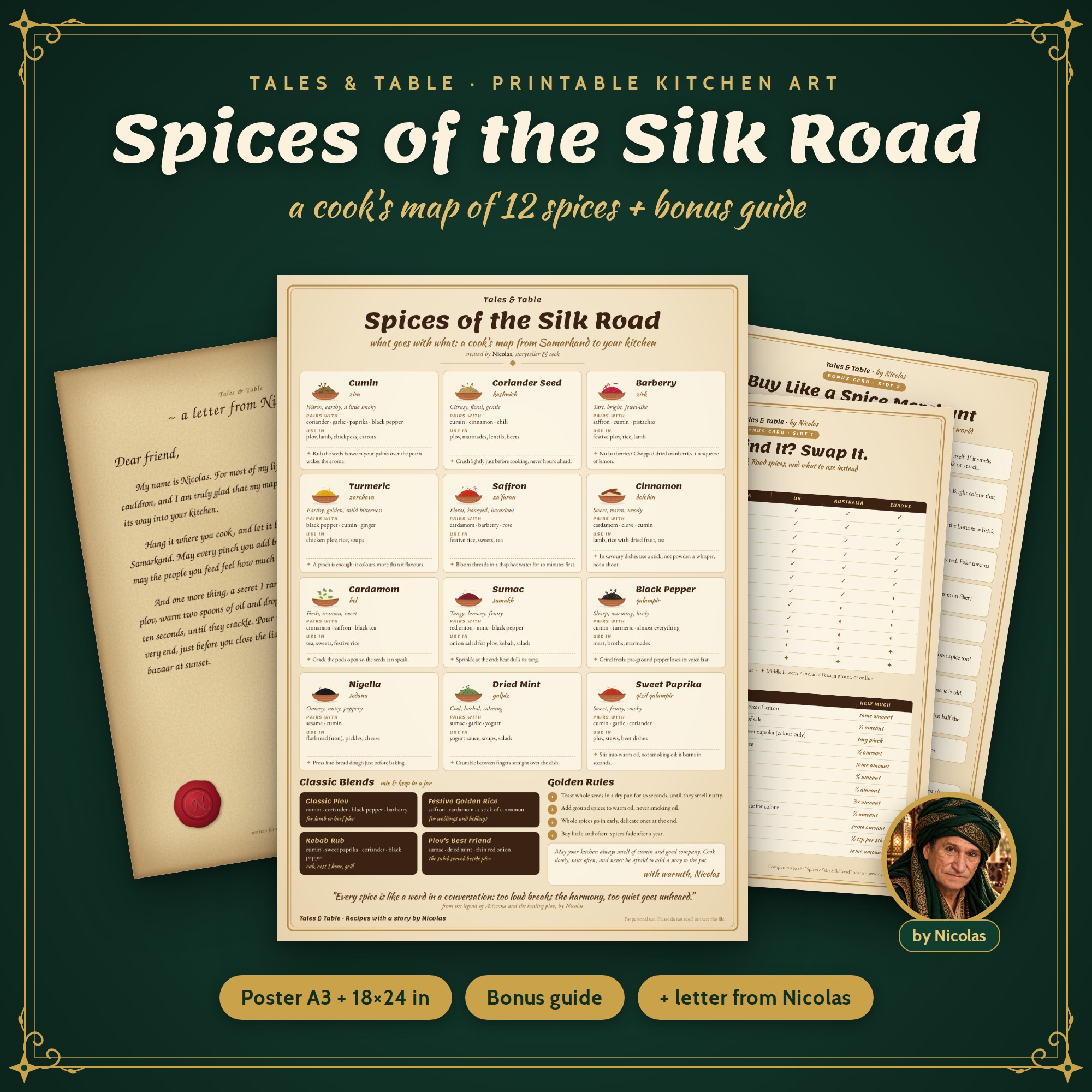
Open the file for the paper you actually have loaded. If the collection provides A4 and US Letter versions, choose the matching version. For a poster, check its supplied sizes separately; a poster page is not automatically a desk-printer page.
Read the selected product variant’s format list. The Café Nicolas Green & Gold variant currently has an A4 file; its US Letter file is pending. Do not assume that a format offered for another design is available for your selection.
Understand the scaling choice
Adobe describes Fit as scaling a page to the selected paper’s printable area. Actual Size prints without scaling, and content outside the paper area can be cropped. These options answer different needs; inspect the preview before committing. Source: Adobe Acrobat printing guidance.
For a sheet of notes, fitting the full page may be more useful than preserving an exact physical size. For a component that must match another piece, check its instructions before choosing a scaling setting. Do not guess from the on-screen zoom level.
Make one test print first
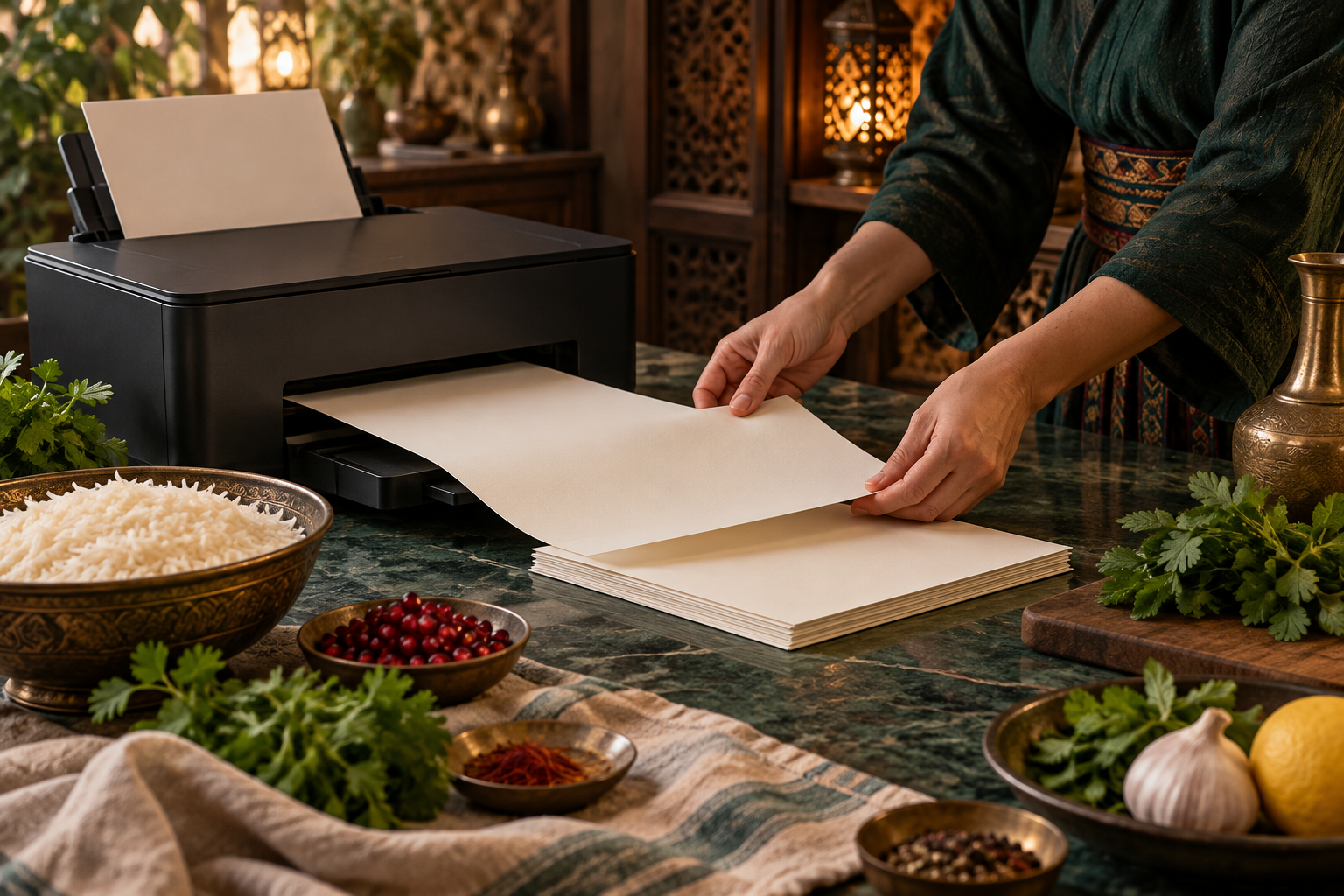
Print a representative page and check the corners, smallest text and any cutting marks. If something is missing, revisit the paper setting and scaling preview before printing the rest. Try the light layout if a dark page is difficult to read or uses more ink than you want.
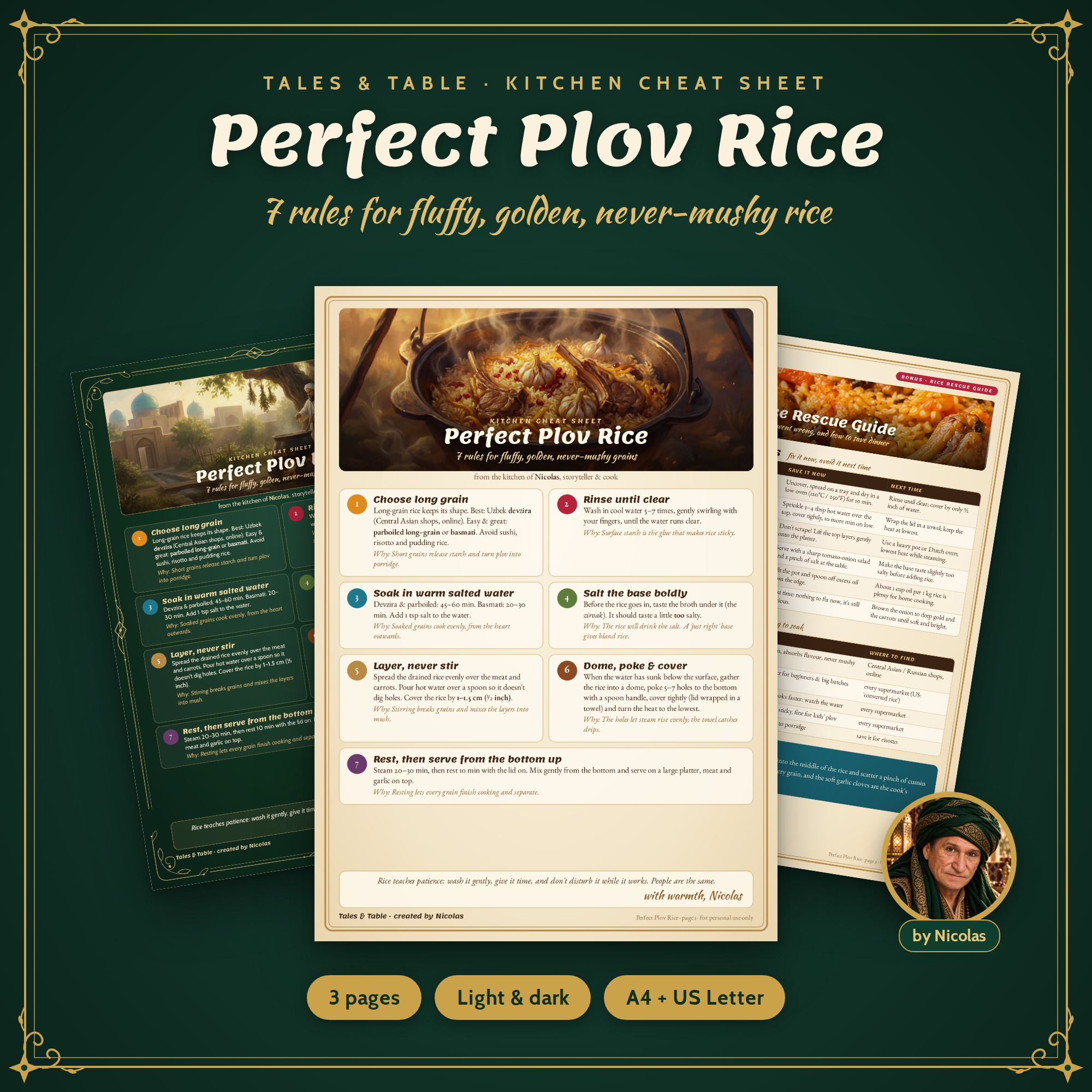
The Perfect Plov Rice collection includes light and dark designs. Keep the page that suits your kitchen and printer; the bundle gives you the choice of what to print.
Store the original PDF separately from working notes. If you take it to a print shop, explain the target paper size and whether the page must stay at its original scale. A short conversation is easier than replacing a whole batch of cropped sheets.
Continue reading: Choosing a printable gift for a cook, host or little explorer.
Frequently asked questions
What does Actual Size do?
It prints without scaling; content that does not fit may be cropped.
Should I print every page immediately?
Start with one representative test page and check the result.
Sources & editorial notes
PDF scaling facts are sourced to Adobe. Product availability comes from the supplied catalog.